In today’s rapidly evolving digital landscape, businesses are always on the lookout for efficient ways to produce high-quality content. One emerging solution is AI video generators, which significantly simplify the video creation process. Among these innovative tools, HeyGen stands out.
HeyGen is an AI-powered video generator that enables businesses to create professional-quality videos with just a few clicks. In this comprehensive review of HeyGen, I’ll walk you through what it offers, how it functions, and the best ways to use it for your business. We’ll also explore its key features, provide tips on how to get started, and share insights from my personal experience using this tool. Additionally, I’ll discuss the pros and cons of HeyGen and suggest alternatives to consider if you’re exploring AI video solutions.
My goal is to give you all the necessary information so you can decide if HeyGen is the right tool for your video creation needs. From my experience, it’s definitely worth exploring. Let’s dive into the details!
What is HeyGen?
Launched in 2020 by Joshua Xu and Wayne Liang in Los Angeles, HeyGen (formerly known as “Movio”) leverages generative AI technology to create stunning, high-quality videos in just minutes. What sets it apart is its ability to turn text into speech using more than 300 voices across over 40 languages. On top of that, HeyGen offers over 100 AI avatars with different ethnicities, ages, and poses, all synced perfectly to lip-read the script you upload.
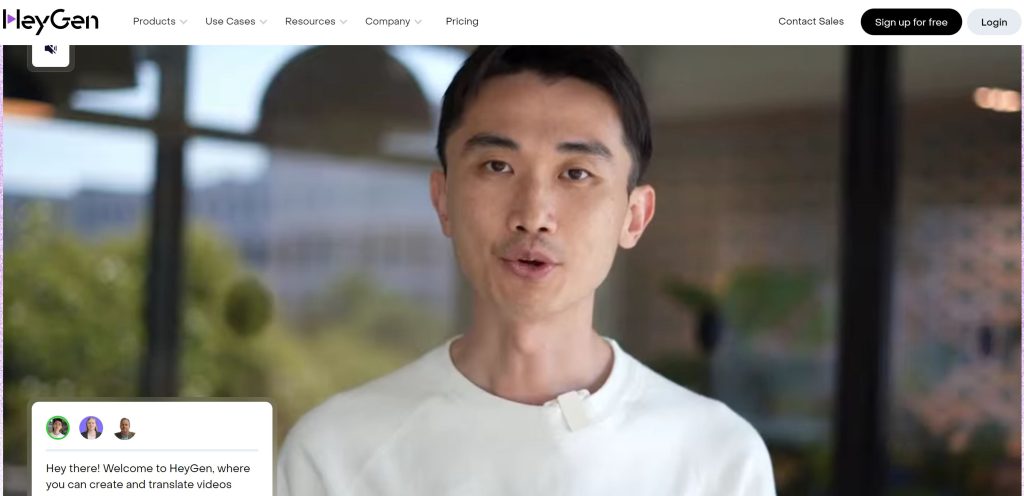
For businesses, this means significant savings in both time and cost. Rather than hiring actors or purchasing expensive recording equipment, HeyGen makes it easy to create polished, engaging video content on a budget. Whether you’re producing product videos or corporate training materials, HeyGen delivers professional results at a fraction of the cost.
What is HeyGen Used For?
HeyGen is a versatile tool that businesses can use for a variety of purposes, including:
- Product Videos: Use HeyGen to highlight your product’s features and benefits with engaging video content. With access to over 300 customizable templates and 100+ AI avatars, it’s easy to create visually appealing videos tailored to your audience.
- Training Videos: Need to onboard employees or educate customers? HeyGen’s text-to-speech and avatar features allow you to create clear, informative training videos without hassle.
- Explainer Videos: Simplify complex topics and concepts with visually engaging explainer videos powered by HeyGen’s generative AI.
- Social Media Content: Create scroll-stopping content for social media channels in minutes, helping boost engagement and increase brand visibility.
- Video Ads: Say goodbye to dull, static video ads. HeyGen’s templates allow you to craft captivating, dynamic advertisements that will grab your audience’s attention.
- E-Learning Content: For educators and course creators, HeyGen makes it easy to convert text into interactive, engaging video lessons.
- Presentations: Use HeyGen to elevate your presentations by incorporating dynamic video elements that leave a lasting impression.
These are just a few examples of how HeyGen can transform the way you create and distribute video content for your business.
Who Can Benefit from HeyGen?
HeyGen offers value for a wide range of users, from startups and small teams to large enterprises:
- Startups: For startups on a tight budget, HeyGen offers an affordable way to create high-quality video content without the need for a production team.
- Established Enterprises: Larger companies can benefit from HeyGen’s streamlined video production process, allowing them to produce marketing videos, training materials, or e-learning content quickly and efficiently.
- Content Creators: Whether you’re a YouTuber, social media influencer, or blogger, HeyGen gives you the tools to produce standout video content without a steep learning curve.
- Educators: HeyGen is a great solution for educators looking to create interactive e-learning materials that simplify complex concepts and engage students.
HeyGen’s user-friendly interface makes it accessible to individuals and businesses of all sizes, regardless of their experience with video production.
HeyGen Key Features
HeyGen offers a range of features designed to simplify the video creation process while ensuring a professional finish:
1. Text-to-Speech
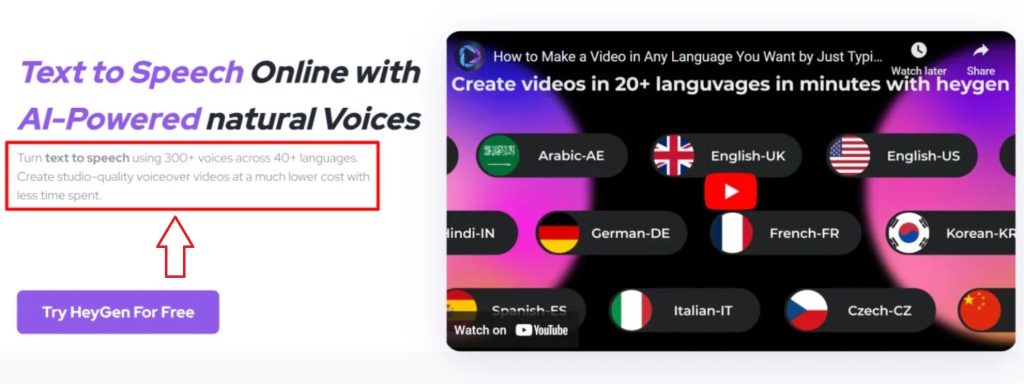
HeyGen’s Text-to-Speech (TTS) feature converts written text into speech with over 300 natural-sounding voices in more than 40 languages. This allows businesses to generate professional narrations for videos without needing a voice actor. You can even customize accents, speeds, and pauses for a more natural sound.
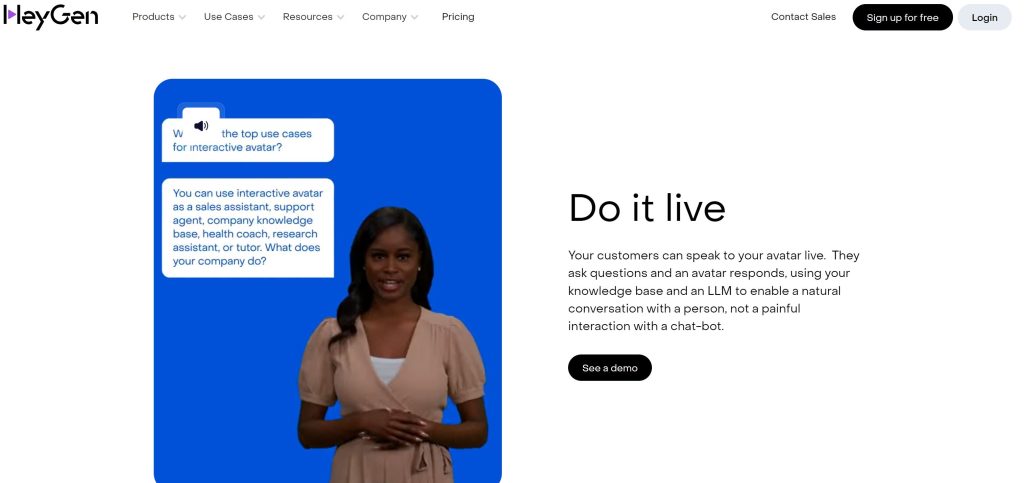
Using text-to-speech is easy. When you edit a video, type a script, or upload an audio file, Heygen will automatically convert it to speech.
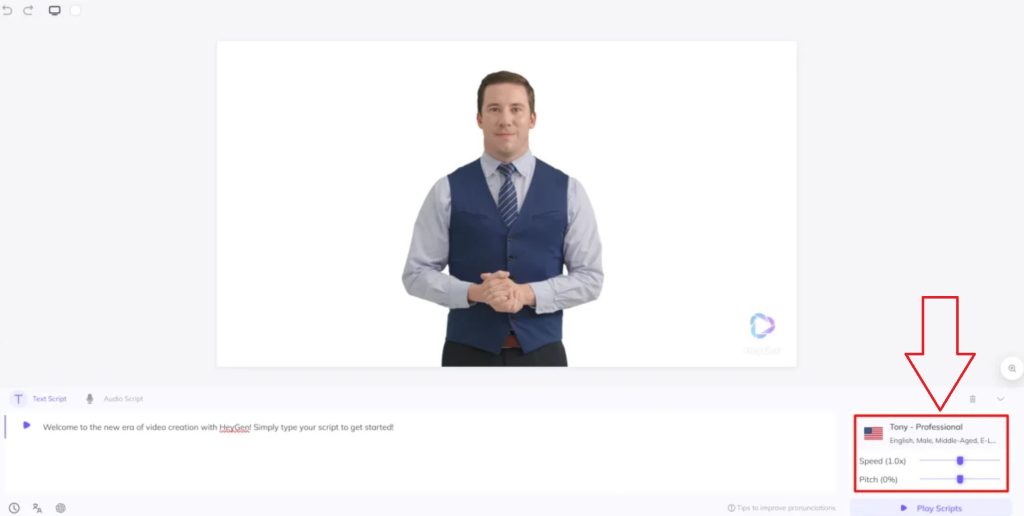
Adjusting everything about accent, speed, pitch you want
2. AI Avatars
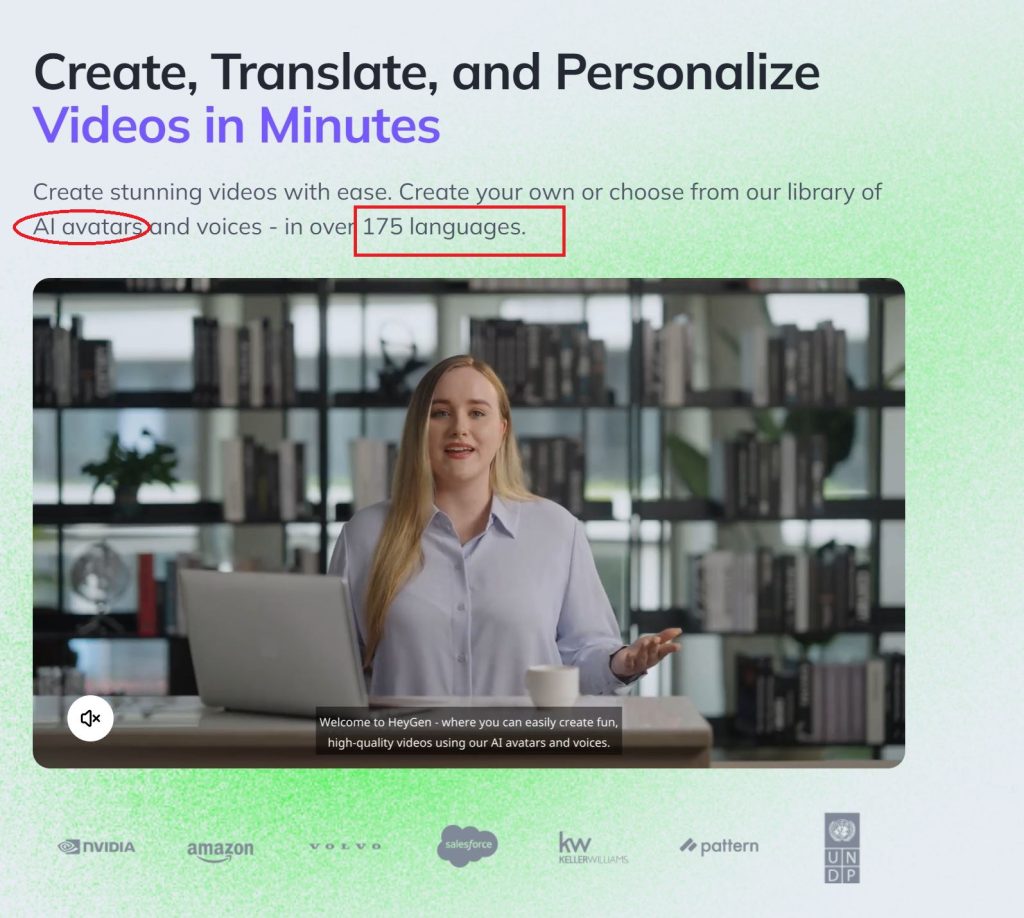
Choose from over 100 lifelike AI avatars to recite your script. These avatars are modeled after real actors and come in various poses and outfits, making it easy to match the avatar’s appearance with your brand’s tone and style.
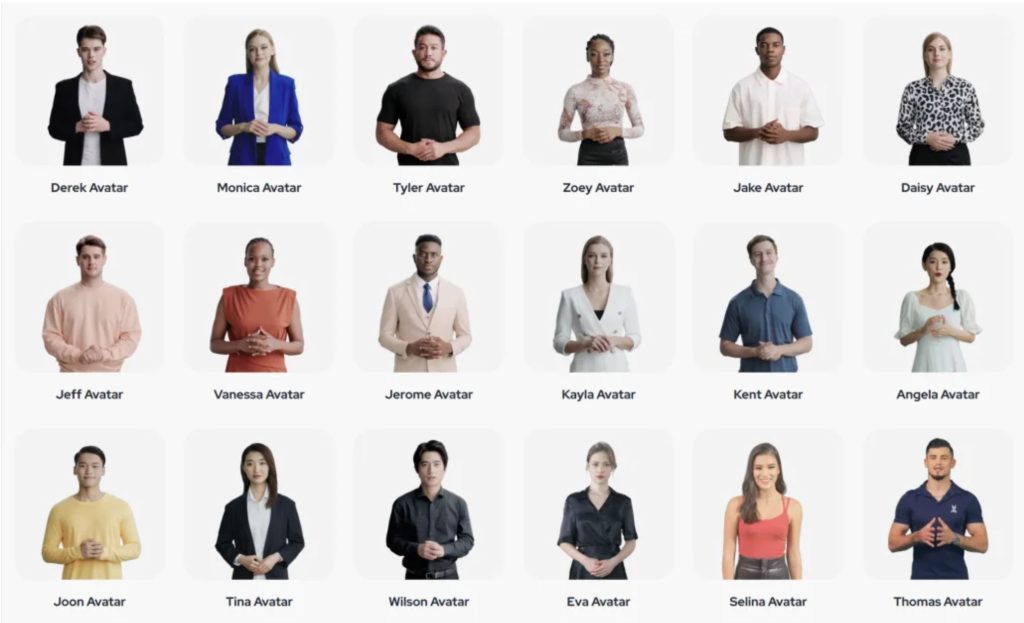
There are many avatars for you to choose from. Each avatar has many costumes to match the color scheme of your video. The avatars all use real actors so the quality and authenticity are always at the highest level.
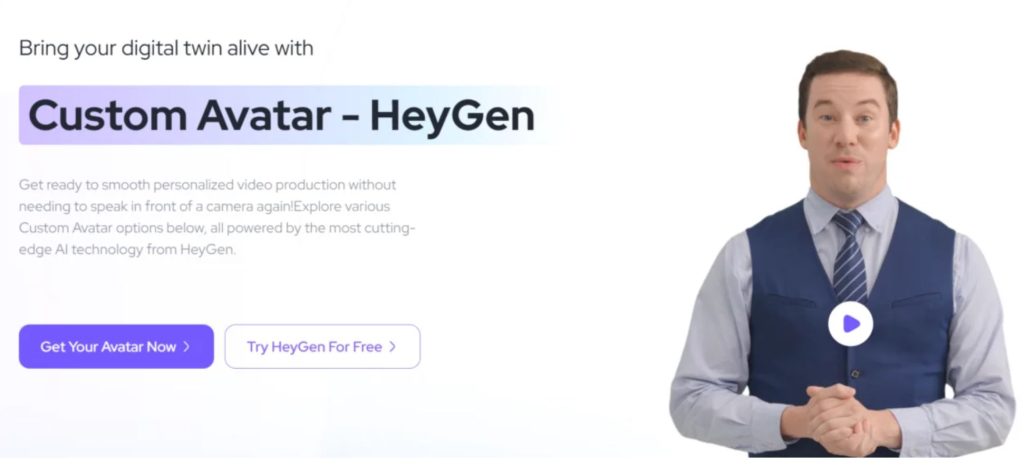
3. Custom Avatars
Want a more personalized touch? With HeyGen, you can create a custom avatar of yourself. By following a simple recording process with a 4K camera and a green screen, you can have your likeness transformed into an AI avatar for use in any of your videos.
4. Generative Outfits
HeyGen allows for extensive avatar customization, including generative outfits. If you don’t find the perfect outfit in the existing options, you can generate new clothing to suit your brand’s aesthetic.
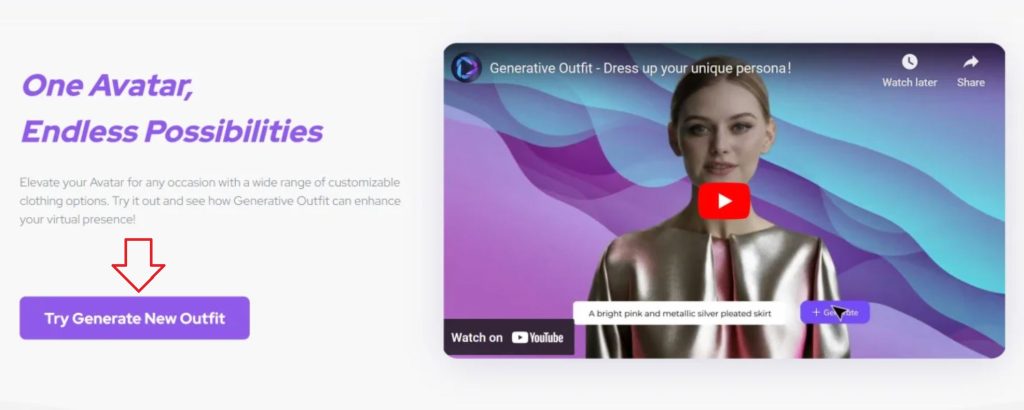
To create generative outfits, click button ” Try generate new outfit”
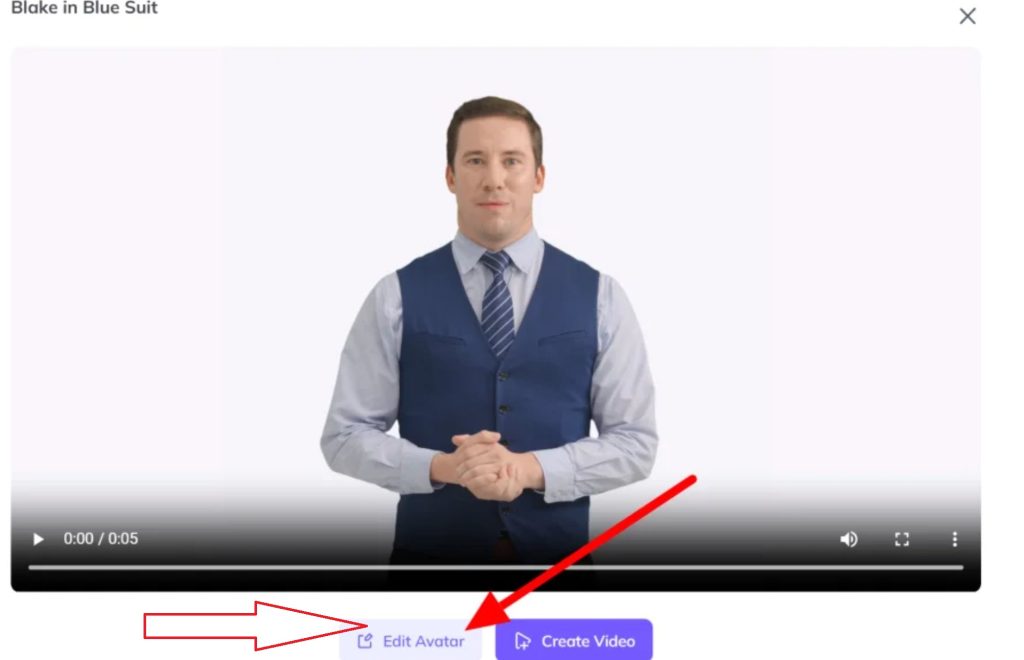
Press button ” Edit Avatar” to choose outfit
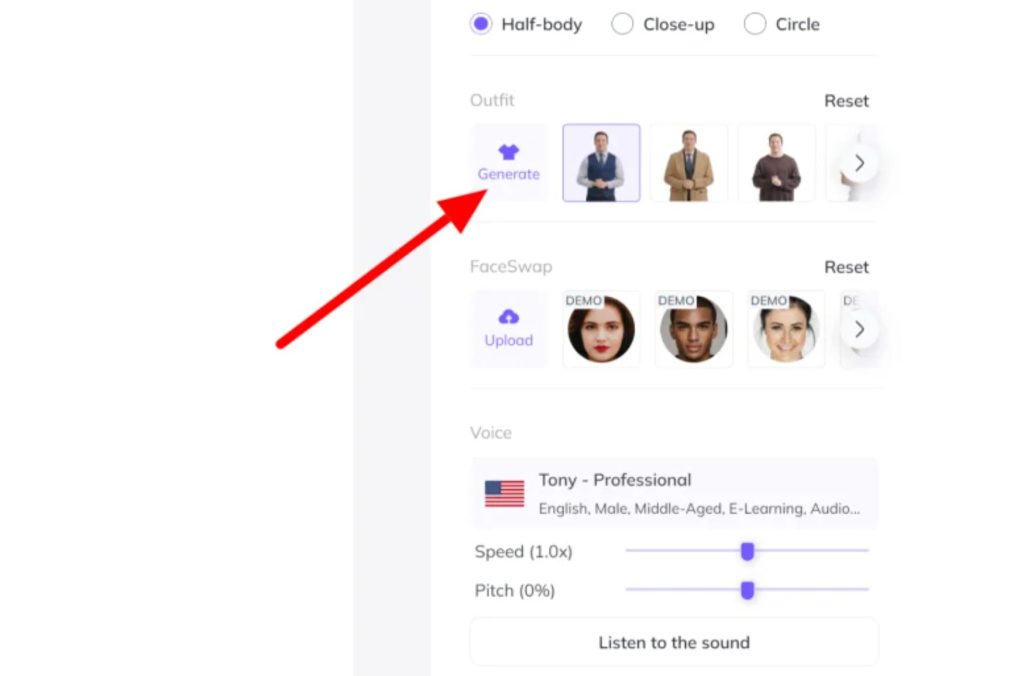
Click button ” Generate”
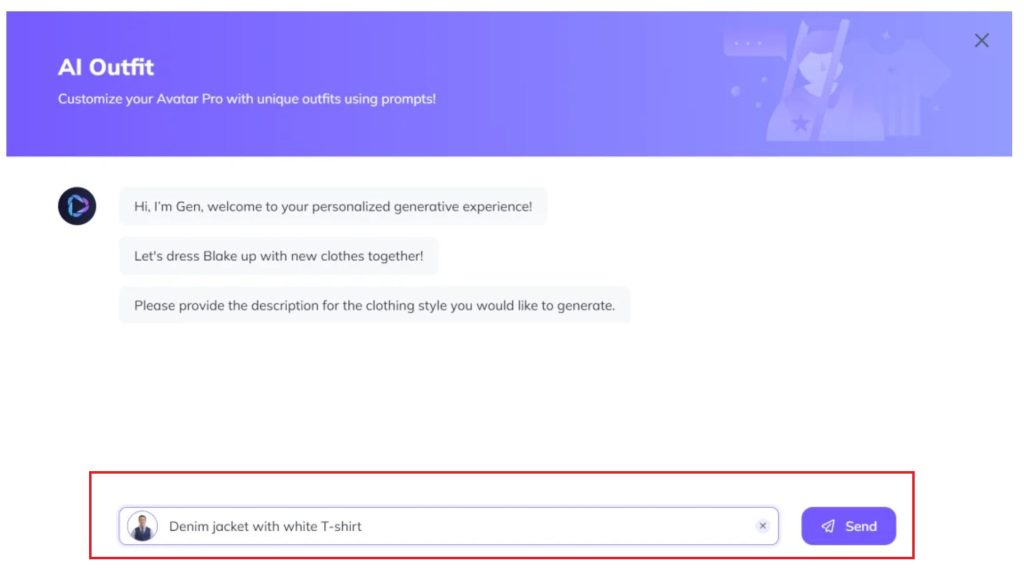
Describe the features you want such as clothes, hats, glasses…
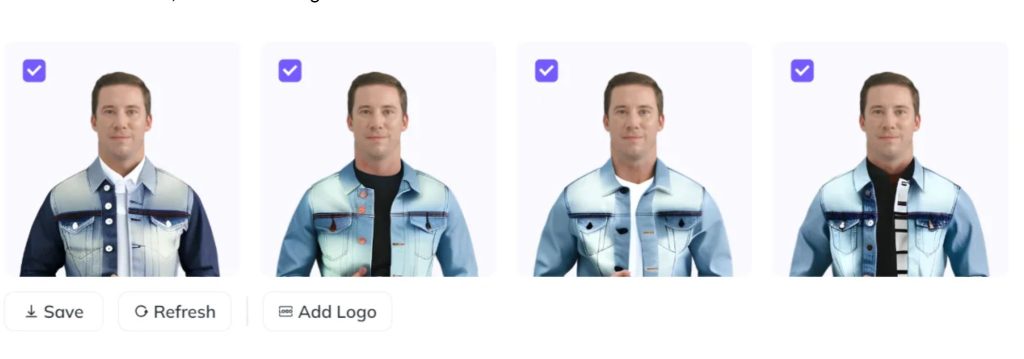
5. Voice Cloning
Clone your voice and use it to bring your AI avatar to life. This feature supports voice cloning in multiple languages, adding a personal touch to your videos.
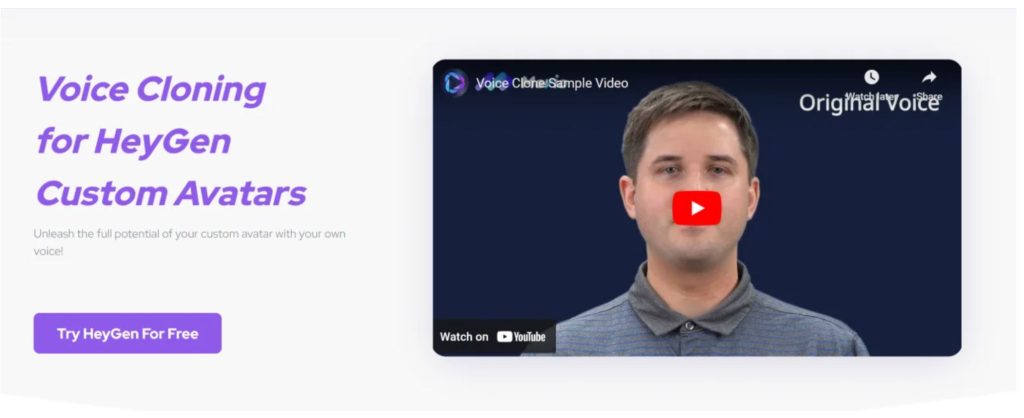
You can record your voice in 8 languages: English, Polish, French, Italian, Spanish, Portuguese and Hindi
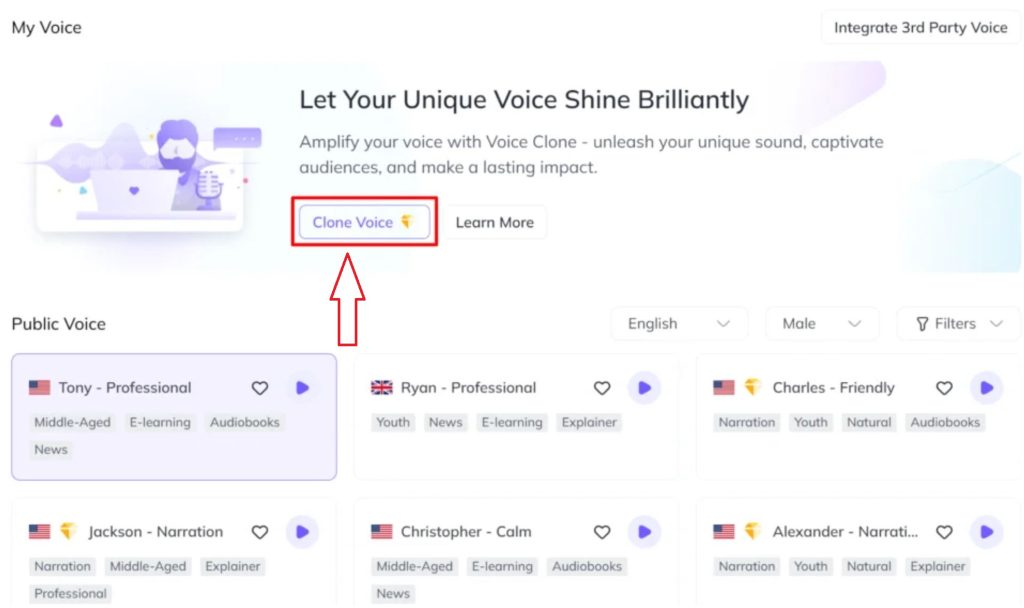
You click Clone Voice and record your voice. You need microphone and only use 8 languages above
6. TalkingPhoto
HeyGen’s TalkingPhoto feature allows you to turn static images into dynamic talking avatars. Upload any photo and HeyGen will bring it to life with realistic lip-syncing and voiceovers.
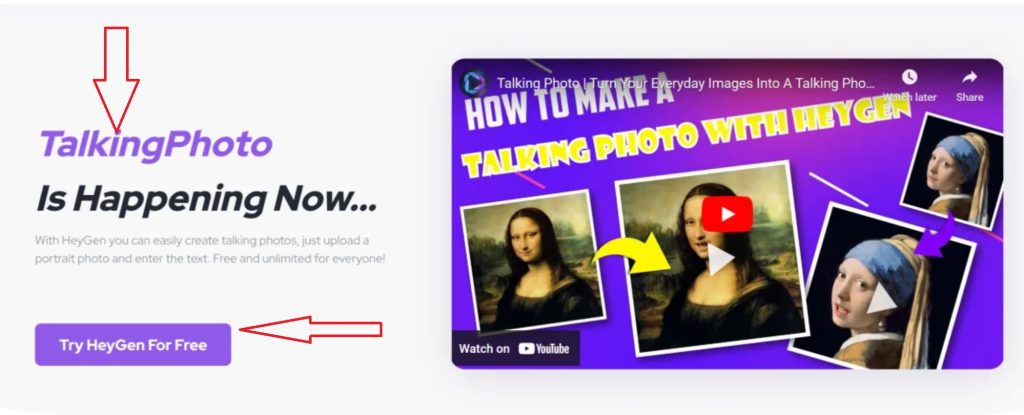

Click ” Make a talkingPhoto video”

You have the following options:
- TalkingPhoto from your idea ( you can decribe that you want
- TalkingPhoto from your computer
- TalkingPhoto from Heygen
7. Templates
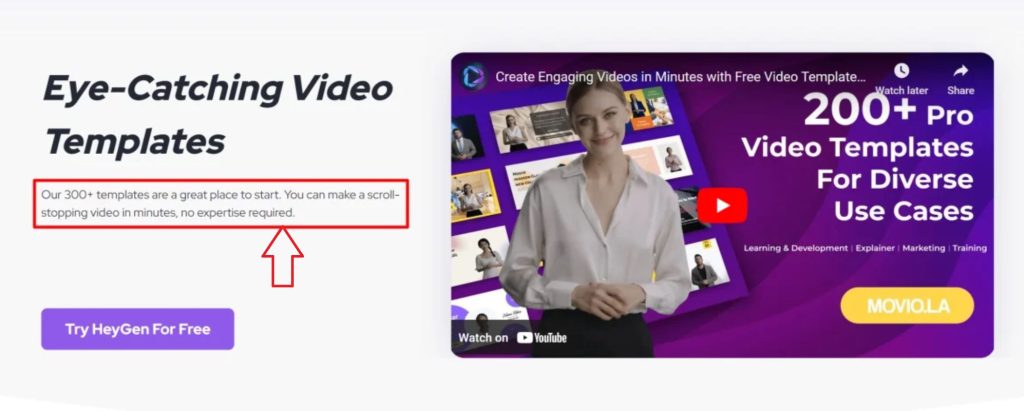
With more than 300 templates available, you can create videos tailored for various industries and platforms. From product demos to social media content, HeyGen’s templates help speed up video production.
8. Zapier Integration
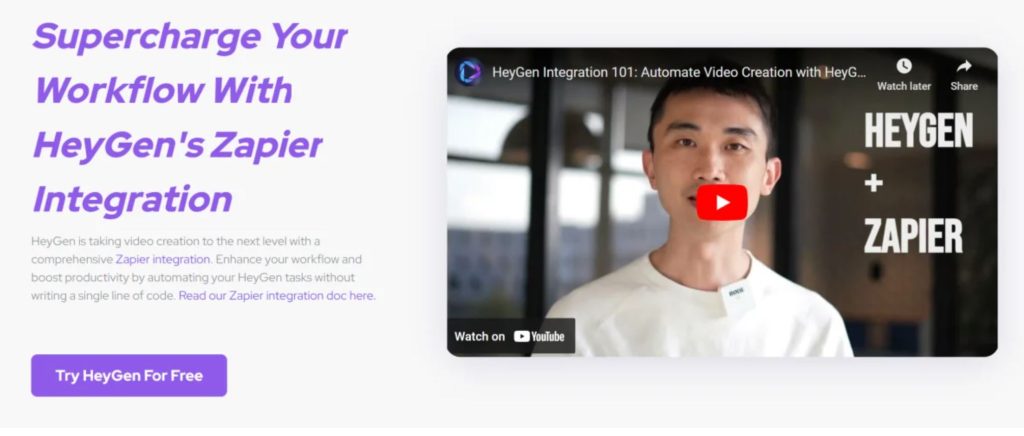
HeyGen integrates seamlessly with Zapier, allowing you to automate your workflow by connecting with over 5,000 apps. You can set up automations to share videos, notify teams, or manage content distribution with ease.
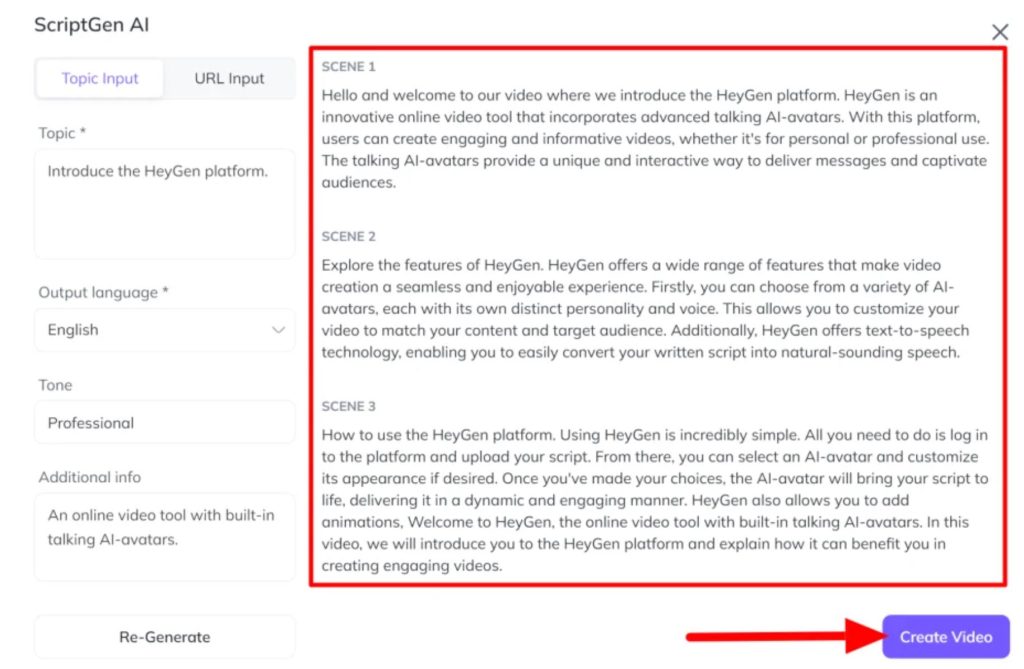
9. ScriptGen AI
If you need help writing scripts, HeyGen’s ScriptGen AI will automatically generate scripts based on your input. Whether you need an advertisement or explainer video, ScriptGen AI ensures you have a ready-to-use script in minutes.

Click to ” Start with ScriptGen Ai”
It goes to dashbroad:
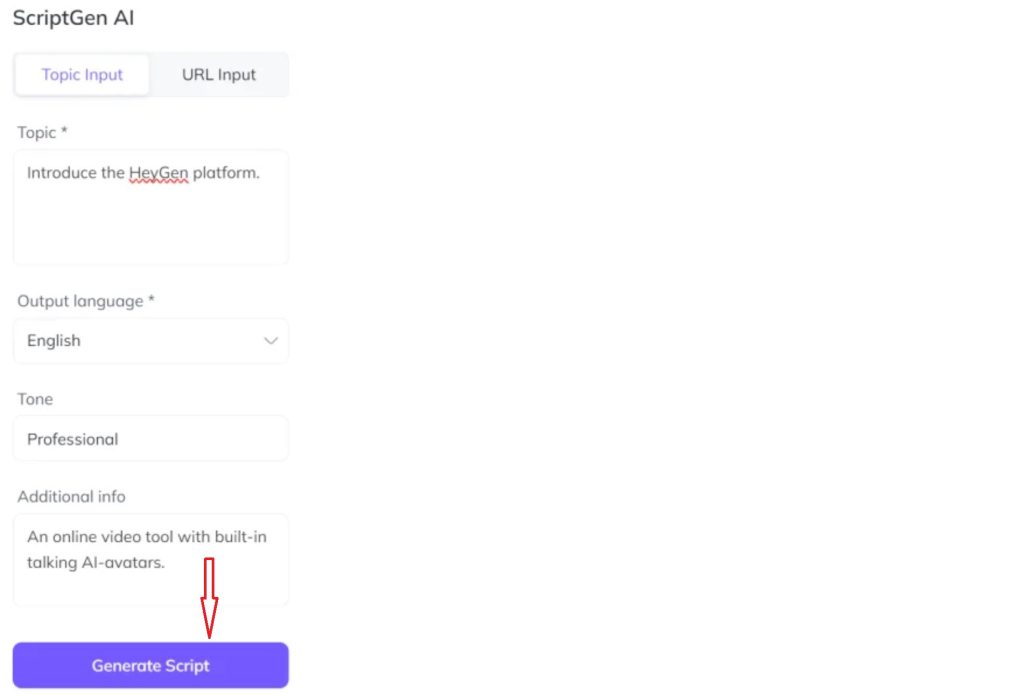
Click to ” Generate Script”
Getting Started with HeyGen
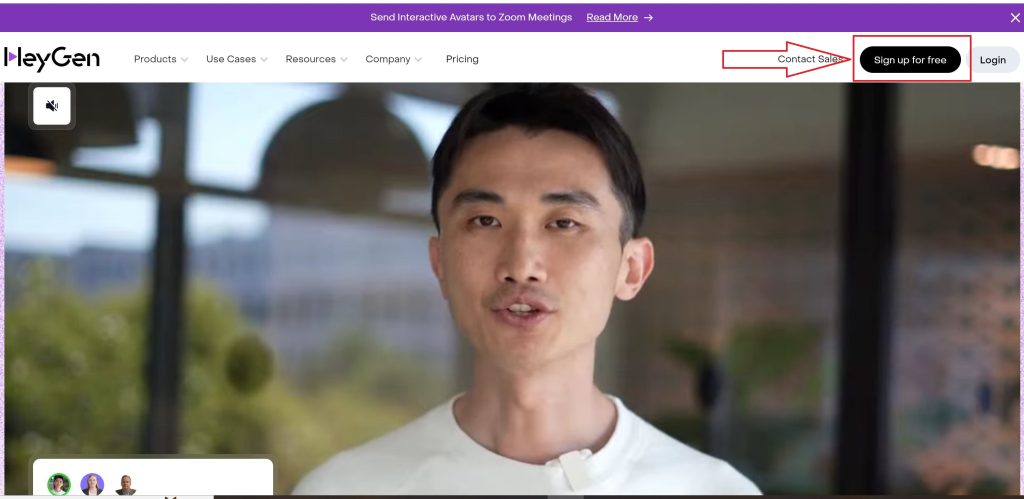
Creating an account with HeyGen is simple and doesn’t require a credit card. Once you sign up, you’ll be directed to a clean and intuitive dashboard where you can start creating your video. Whether you choose to create an avatar video, use ScriptGen AI, or start with a pre-made template, the process is quick and user-friendly.
How to Create a Video Using HeyGen
To get started, select a template from the dashboard. HeyGen offers hundreds of templates for different industries, all customizable to match your brand’s style. You can add avatars, text, images, and background music with ease. Once your video is complete, it can be exported in a variety of formats, ready for upload to social media, websites, or presentations.
Pros and Cons of HeyGen
Pros:
- Effortless video creation without the need for expensive equipment or actors.
- Over 300 templates for various industries.
- Customizable avatars and voice cloning for a personal touch.
- Zapier integration to streamline workflow.
- AI-generated scripts with ScriptGen AI.
- Cloud-based platform; no software download required.
Cons:
- Advanced customization features are limited to paid plans.
- Some avatars may appear less realistic depending on the setting.
Final Thoughts: Is HeyGen Worth It?
HeyGen is an excellent tool for businesses looking to streamline their video content production. With its intuitive interface, customizable avatars, and a vast library of templates, it simplifies the process of creating professional-quality videos. Whether you’re a startup, an established enterprise, or a content creator, HeyGen’s AI-powered tools can help you produce engaging video content without the need for expensive resources. It’s definitely worth giving a try if you want to elevate your video marketing strategy.
Leave a Reply