
Speechify is rapidly gaining recognition in the world of text-to-speech technology, and for all the right reasons. Launched in 2017 by Cliff Weitzman, a dyslexic student at Brown University, Speechify aims to change how people consume written content. What started as a personal project to help Weitzman keep up with his college readings has now evolved into one of the most popular text-to-speech apps available. The app is particularly useful for those with ADHD, dyslexia, or anyone looking to enhance reading speed and comprehension.
In this Speechify review, we’ll explore what the app offers, who can benefit from using it, and how you can get started. We’ll break down its core features, discuss how each one works, and provide insights into its pros and cons. By the end, you’ll have a good idea of whether Speechify is the right solution for you.
Visit Speechify Official Website
What is Speechify?
Speechify is a powerful text-to-speech app designed to convert written content into natural-sounding speech. Founded by Cliff Weitzman, the platform is especially helpful for individuals with learning disabilities like dyslexia or ADHD. It allows users to listen to written content in over 100 different voices across 50 languages.
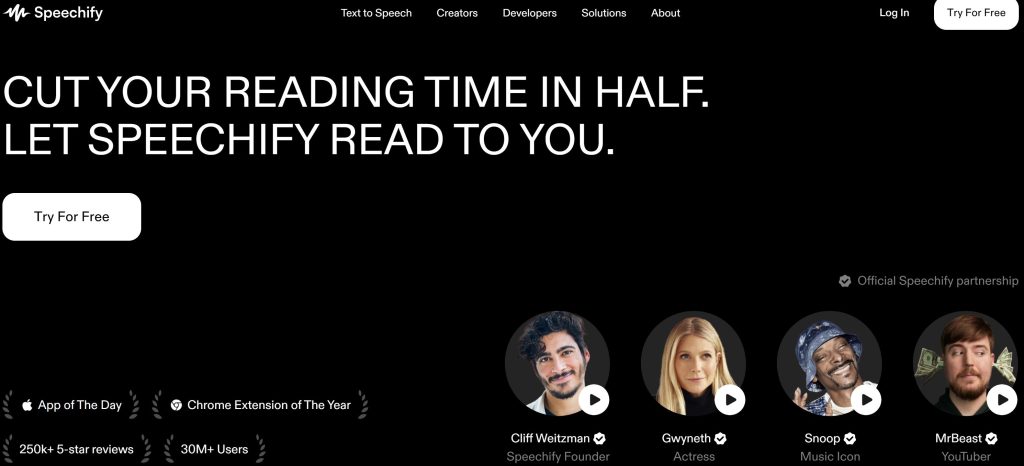
Speechify can be accessed as a web tool, Chrome extension, and mobile app for both iOS and Android devices. Users can adjust the voice, accent, language, and even the speaking rate to personalize their listening experience. Additionally, It can increase reading speed by up to 9 times, making it a great tool for those looking to absorb information quickly and efficiently.
Aside from text-to-speech, Speechify also offers an AI-powered voiceover generator with over 200 voices across 60 languages, making it an excellent tool for creating high-quality voiceovers for various media like videos, podcasts, audiobooks, and advertisements.
Visit Speechify Official Website
Who Should Use Speechify?
Speechify’s text-to-speech feature is ideal for a wide range of users:
- Writers & Editors: Listening to written content is an excellent way to catch errors that might be missed during silent reading. Speechify helps writers fine-tune their work by providing an auditory experience of their text.
- Individuals with Dyslexia & ADHD: For those with reading disabilities, Speechify offers a way to consume written content without the frustrations of reading. The app allows users to customize the voice speed and tone, creating a comfortable listening experience.
- Students: Speechify is a great tool for students, enabling them to convert textbooks and study materials into audio, making it easier to catch up on assignments and absorb information effectively.
- Businesses: Businesses can use Speechify to convert documents, emails, and training materials into audio format, improving efficiency by allowing employees to multitask.
- Teachers: Educators can create audio versions of lesson plans, enhancing inclusivity and catering to different learning styles.
Visit Speechify Official Website
Who Should Use Speechify AI Voice Studio?
Speechify’s AI Voice Studio is another tool packed with features for content creators, including:
- Podcast Hosts: Speechify’s AI Voice Studio allows podcast hosts to generate natural-sounding voiceovers for their scripts. This is especially useful for introductions, advertisements, or full podcast episodes.
- Course Creators: Create voiceovers for online courses effortlessly, saving time and resources while maintaining high-quality audio.
- YouTube Creators: Speechify helps YouTubers convert scripts into professional-quality voiceovers, ensuring content delivery is polished and engaging.
- Audiobook Producers: Save time and money by generating AI-based voiceovers for audiobooks with consistent audio quality.
- Sales Professionals: Speechify helps sales teams create engaging and persuasive presentations with natural-sounding voiceovers, improving the delivery of sales pitches.
Getting Started with Speechify
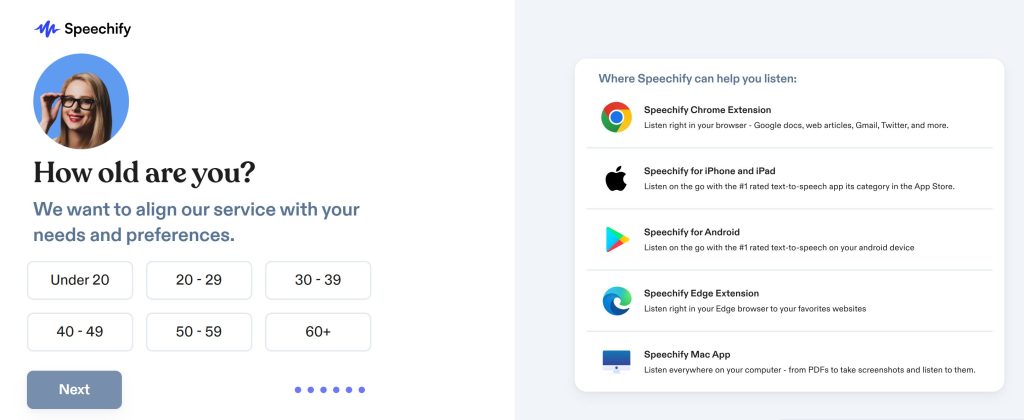
Creating an account with Speechify is straightforward. Simply visit the homepage, sign up for free, and you’ll be guided through the setup process.
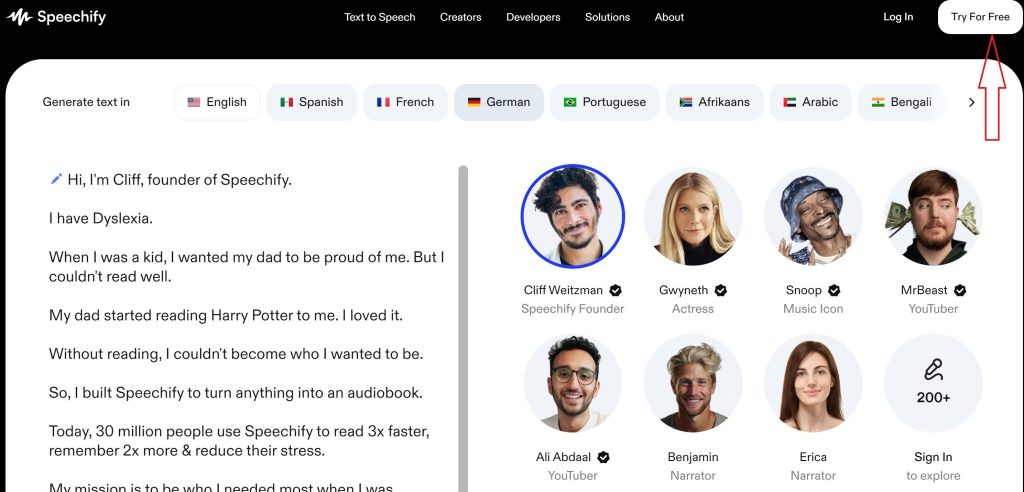
After a few steps, you’ll be taken to your dashboard, where you can start converting text into speech. We offers a free trial of its premium features for three days, giving you access to advanced tools like the AI Voice Studio.
Visit Speechify Official Website
Speechify Features
Here are the standout features Speechify has to offer:
1. Text-to-Speech
Speechify’s main feature is its free, easy-to-use text-to-speech tool. With over 100 AI voices across 50 languages, users can convert any text into clear, natural speech.
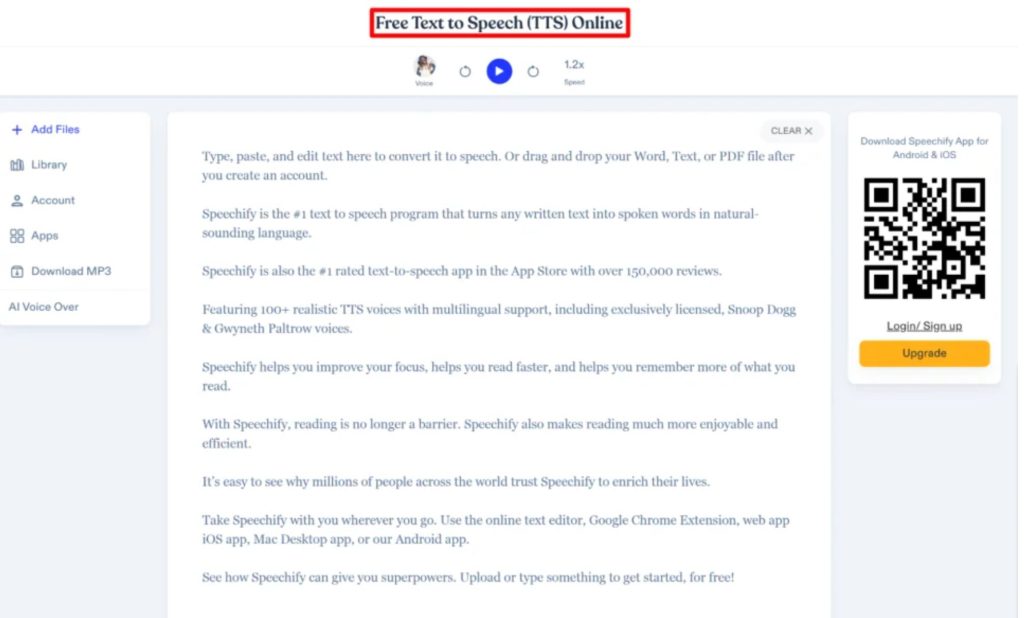
You can use this feature directly online or through the Chrome extension and mobile apps for iOS and Android. Speechify can read content up to 9x faster than traditional reading, making it ideal for anyone looking to consume content quickly.
How to Use Text-to-Speech
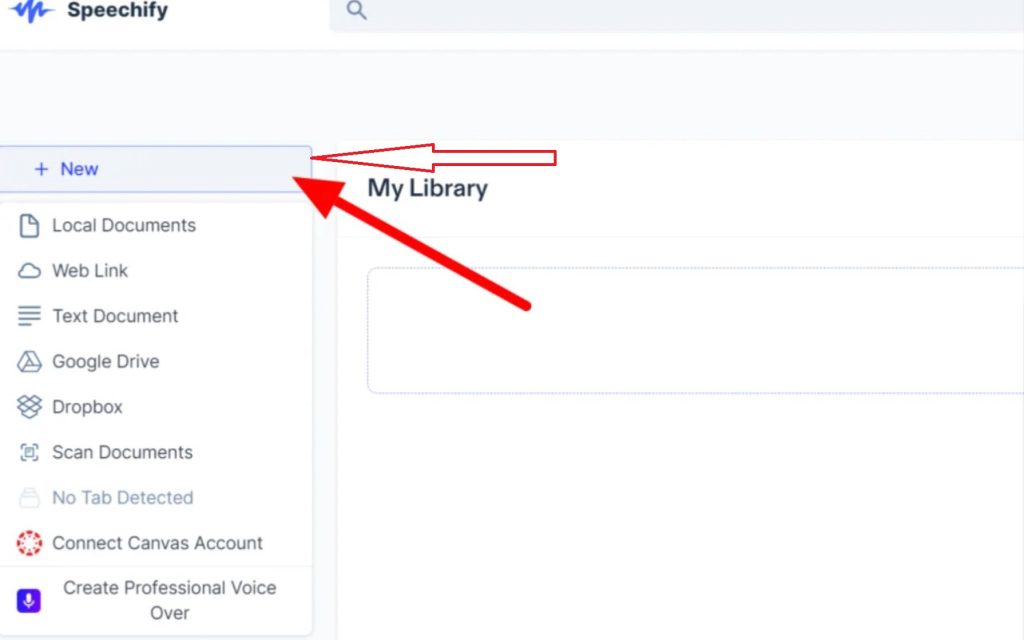
Press New button to upload a new file
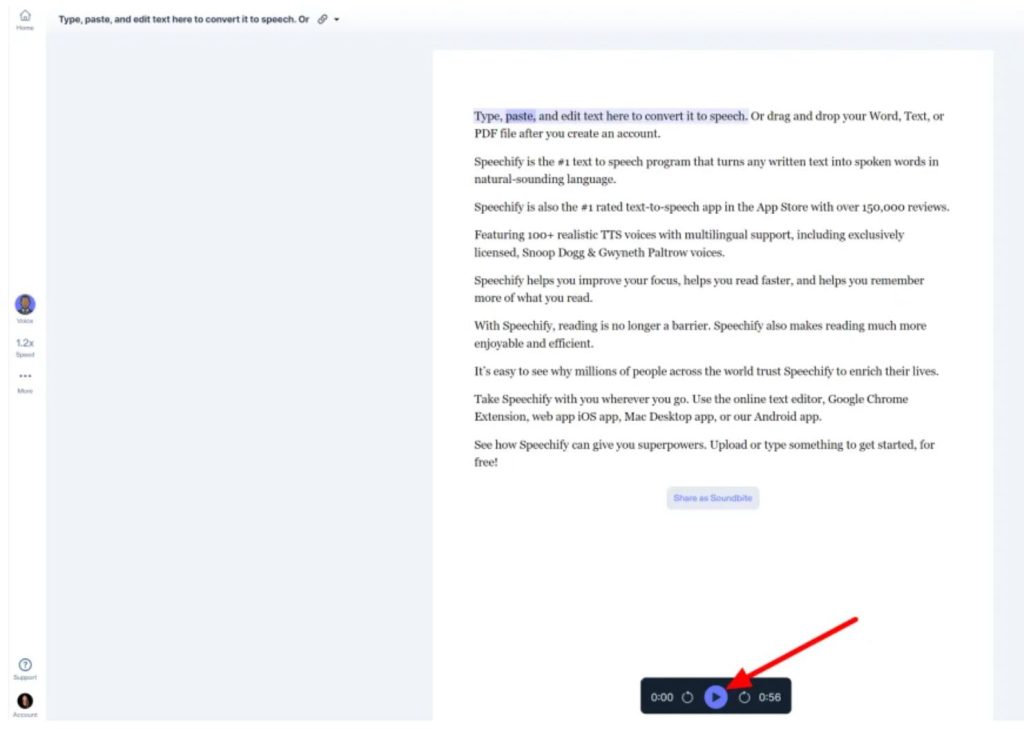
You can listen that text by pressing button
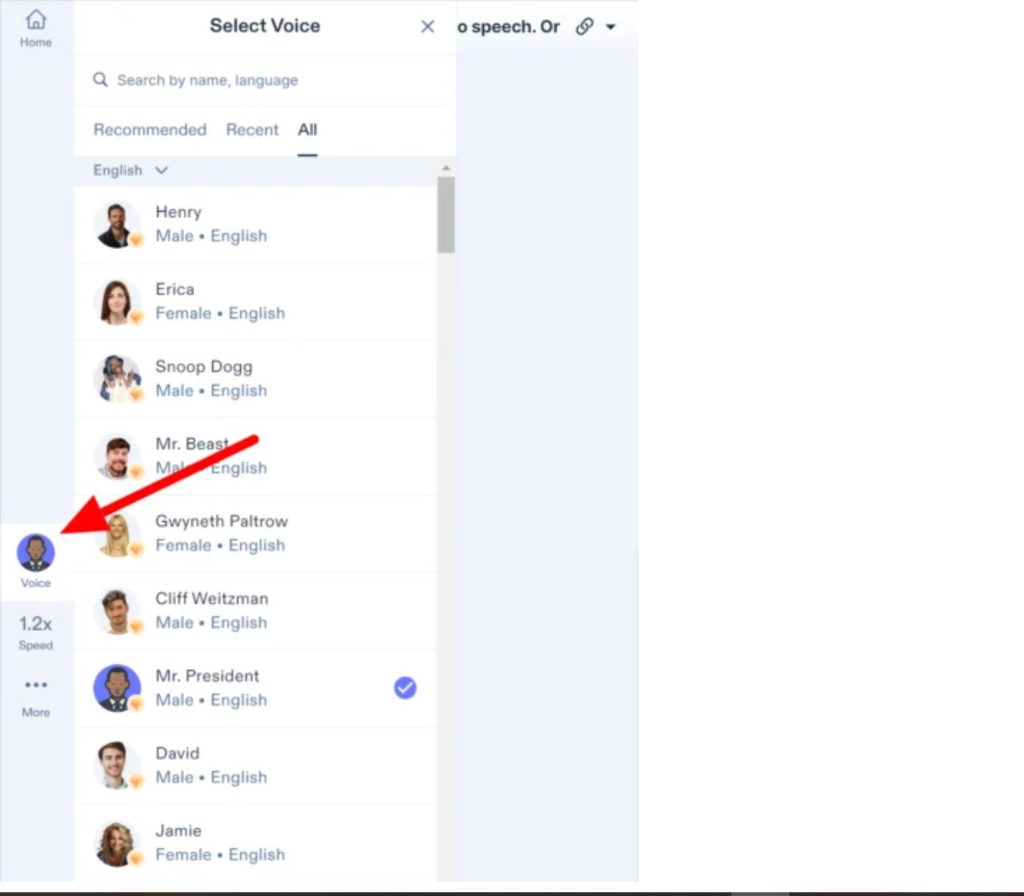
You can choose from 100 voices in 50 languages
2. AI Voice Studio
The AI Voice Studio takes text-to-speech to the next level. It offers over 200 customizable AI voices in 60+ languages, making it perfect for creating voiceovers for podcasts, videos, audiobooks, and more. You can customize everything from voice speed to tone and pauses, ensuring your voiceover matches the mood of your content.
3. AI Avatars
For those looking to go beyond just voiceovers, Speechify’s AI Video Generator offers customizable AI avatars. You can pair these avatars with your voiceovers to create engaging visual presentations that are perfect for YouTube, Instagram, or any other social media platform.
Pros and Cons of Speechify
Pros:
- Over 100 natural-sounding voices across 50 languages
- Perfect for individuals with dyslexia or ADHD
- Ability to increase reading speed by up to 9x
- Multiple ways to use: online, Chrome extension, mobile app
- Highly customizable for voiceovers
- AI avatars bring content to life
Cons:
- Some advanced features require a subscription
- Certain voices may need extra customization to sound more realistic
- Does not include features like an AI Writer or Art Generator
Final Thoughts: Is Speechify Worth It?
Speechify is an exceptional tool for anyone looking to improve their content consumption or production. Whether you’re a student, a business owner, or a content creator, Speechify offers robust features that simplify the process of turning text into speech or creating high-quality voiceovers. If you’re looking for a user-friendly, all-in-one solution, Speechify is definitely worth a try.
Leave a Reply